Your customers check tracking four or more times per order. Right now, most of those checks land on a carrier’s page. That means a generic layout, confusing status codes, and someone else’s logo.
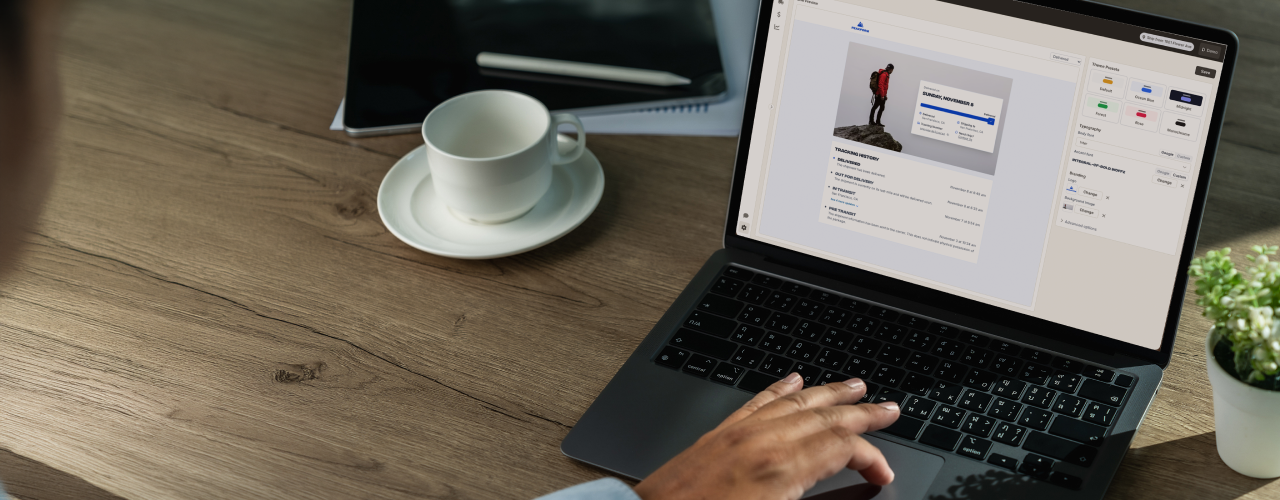
Parsel’s branded tracking changes that. Every shipment, from any carrier, goes to one tracking page that looks like your brand. And while the package is in transit, Parsel answers the “Where is my order?” questions for you as well as proactively prompts customers to provide delivery instructions.
What you’ll see in the demo
- Making it yours. Add your logo and fonts (from Google Fonts or your own uploads). Set your colors, button styles, and hero image, then add your support link and email.
- Going live. Update your Shopify notification emails so customers get your branded tracking link instead of the carrier’s.
Get started in about two minutes
- In the Parsel app, go to Settings → Delivery Experience.
- Add your logo and brand colors. Your page is ready to use in about two minutes.
- Update your shipping notifications so customers get your branded tracking link.
Want a hand setting it up?
Request a demo through our support team. We'll work with you to create a page you love.